

Start with the full request. Link each item to a response, evidence and owner, then review the handover.
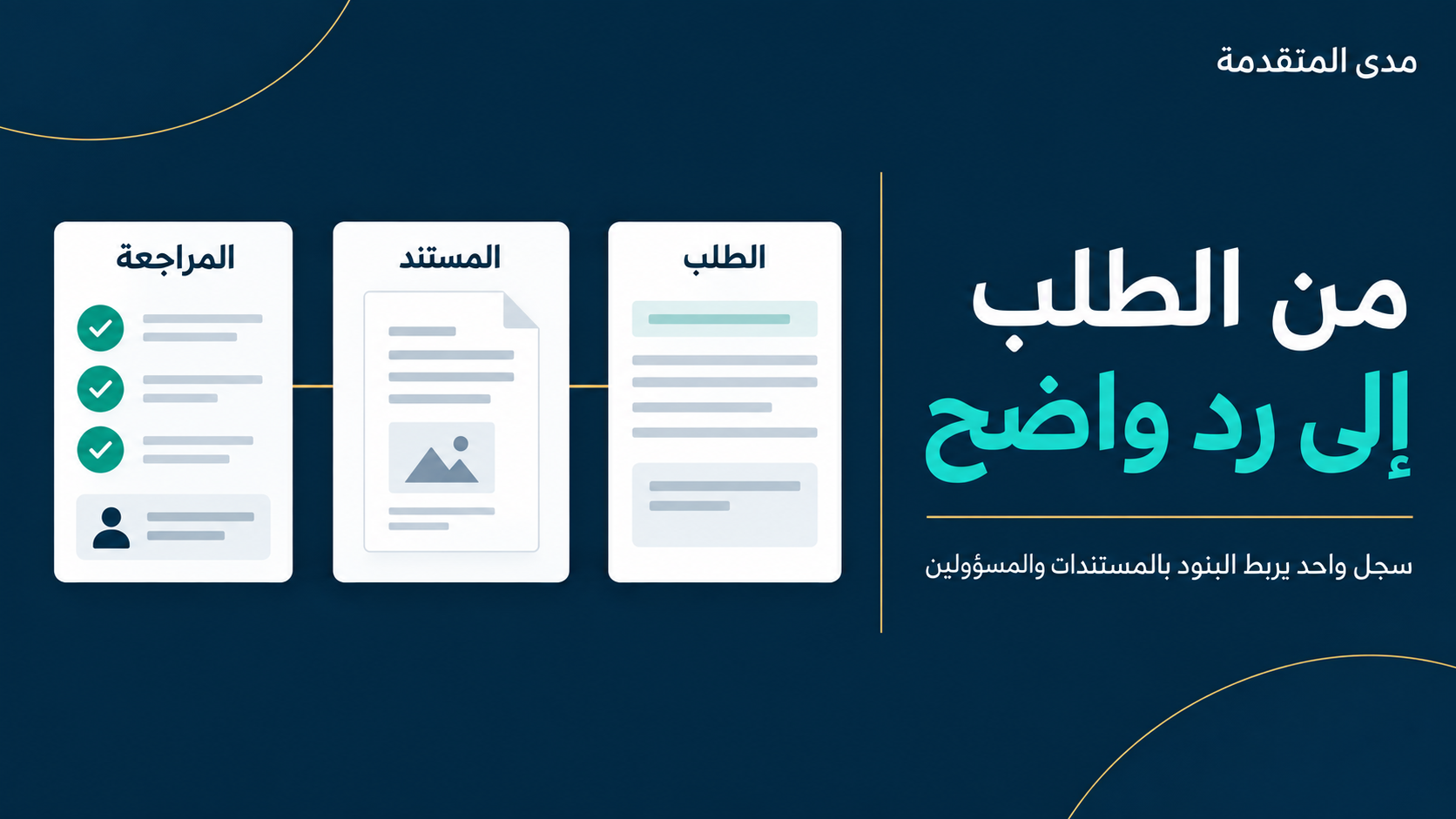
Start with one tracker connecting each requested item to its evidence, owner and review status. A large attachment bundle is not automatically a clear response. Your team should be able to see what was requested, what has been prepared and what remains unresolved.
This is an internal organisation method, not an official document list, a statutory deadline or a conclusion about whether a response is sufficient. Use the actual request and the appropriate official channel to establish the required scope and submission process.
1. Read the complete request before assigning work
Keep the original request. Identify the sender, legal entity, period, requested items, submission route and any stated deadline. If a detail is unclear, record a clarification question instead of guessing. Keep the request wording separate from your team’s working notes.
2. Build a single response tracker
| Item | Evidence reference | Owner | Status | Open question |
|---|---|---|---|---|
| Explain a difference between reports | Comparison A and each figure’s source | Accounts owner | Under review | Do both reports cover the same period? |
| Attachment mentioned in the request | Attachment B, review version | File coordinator | Clarification needed | Is it for the same entity? |
| Response summary | Draft reply and attachment index | Coordinator | Draft | Have all requested items been addressed? |
Use clear statuses: not started, in preparation, under review, clarification needed and internally ready. Internally ready describes your team’s workflow; it does not mean the recipient has accepted the response.
3. Connect the explanation to evidence
Suppose one sales report shows SAR 120,000 and another SAR 115,000. The arithmetic difference is SAR 5,000. That calculation does not explain its cause. Do not label it a timing difference without supporting evidence.
- Record the report name, entity, period and extraction settings beside each figure.
- Document differences actually established and reference the evidence supporting each explanation.
- Keep any unexplained balance visible and assign someone to investigate it.
- Seek technical review where the matter involves zakat or tax treatment; arithmetic alone does not determine that treatment.
These figures are fictional. They establish neither an error in a return nor a correction procedure.
Turn an observation into a reviewable handover
In the fictional example, suppose the team establishes that SAR 3,000 relates to a different report period and SAR 2,000 to items excluded by an extraction filter. These are illustrative findings, not ready-made explanations for your business.
| Observation | Amount | Evidence to review |
|---|---|---|
| Different period scope | SAR 3,000 | Date settings and the relevant transaction list |
| Filter excludes items | SAR 2,000 | Filter settings and excluded-item details |
| Total explained in the example | SAR 5,000 | Each amount linked to its evidence and internally reviewed |
Weak wording: “The report caused the difference.” Clearer wording: “We compared the identified report versions and listed the items explaining the difference in attachment A, alongside extraction settings and transaction references. The following question remains open: …”. Do not mark a question resolved before its supporting evidence is checked.
Assign the work explicitly
- The coordinator maintains the tracker, index and working version.
- The data owner prepares the source and explains how it was extracted.
- The internal reviewer checks that explanations and attachments agree.
- A specialist addresses technical interpretation when required.
These are suggested roles. One person may cover several in a small team. Assign actual owners instead of leaving the owner column blank.
4. Prepare a reviewable handover
- Summary: explain what the bundle contains and what remains open.
- Index: connect the request item, attachment name and location of the evidence.
- Version: clearly distinguish drafts from the version reviewed internally.
- Submission: use the specified channel and retain the available submission or receipt reference.
Do not put tax documents or client information in public comments. Agree an appropriate document-sharing channel and access list when working with an adviser.
5. Check the handover before sending
- Have the entity and period been matched to the request?
- Does every item have an answer or an explicit clarification question?
- Can a reviewer move easily from the explanation to the evidence?
- Have unintended attachments and duplicate versions been removed?
- Has internal review finished, and have the actual channel and deadline been checked?
Print this guide or transfer its columns into your normal work tool. Keep one shared register rather than separate lists buried in messages.
Common questions
Does the tracker replace an official response?
No. It supports preparation and review; it does not replace the required form, channel or instructions.
What if information is missing?
Make the gap visible, assign an owner and identify the next step. Check the appropriate route for clarification without assuming that asking changes a deadline.
When should we ask for specialist support?
Where an item requires interpretation or technical treatment, or where the request’s scope and consequences are unclear. Bring the request, period and specific question so the scope of support can be discussed.
Continue organising the file
Review document version control to avoid sending a different version from the one reviewed. For official enquiries, use ZATCA contact channels.
Download the response tracker
Download the editable CSV template. It contains an illustrative row only. Add business information in your appropriate working environment.
Turn the question into a clear scope.
See the relevant support and what to prepare before getting in touch.